This guide covers what to plan before installation, where to place cameras, what the rules say, and which mistakes cost owners the most.
Why Restaurants Need a Dedicated CCTV Plan
A shop or office needs mostly door and perimeter coverage. A restaurant needs more:
- Cash control: disputes at the till, voids, refunds and tampering are easier to resolve with clear footage.
- Staff and inventory: kitchens and storerooms are common sites of stock loss.
- Guest safety and claims: footage helps verify slip-and-fall claims, disputes and complaints.
- Hygiene and process oversight: managers can check that kitchen procedures are followed, including across multiple branches.
- After-hours protection: break-ins and tampering often happen when the site is closed.
Use one general camera package and you will end up with blind spots exactly where problems occur.
Step 1: Start With a Site Survey, Not a Camera Count
Good installers walk the site before quoting. A survey should map:
- Entrances, exits, and service or delivery doors
- Cashier and POS positions
- Kitchen layout, including heat, grease and steam zones
- Storerooms, walk-in freezers and the office or safe
- Dining area, bar and outdoor seating
- Car park, valet area or shared corridors
- Lighting conditions at opening and closing times
- Cable routes, ceiling type and power availability
Be wary of anyone who quotes a fixed price per camera without visiting.
Step 2: Where to Place Cameras in a Restaurant
- Main entrance: capture the faces of everyone entering. Mount cameras at face height and avoid shooting into glare from glass doors.
- Cashier and POS: use an overhead angle with a clear view of hands, the till and the transaction.
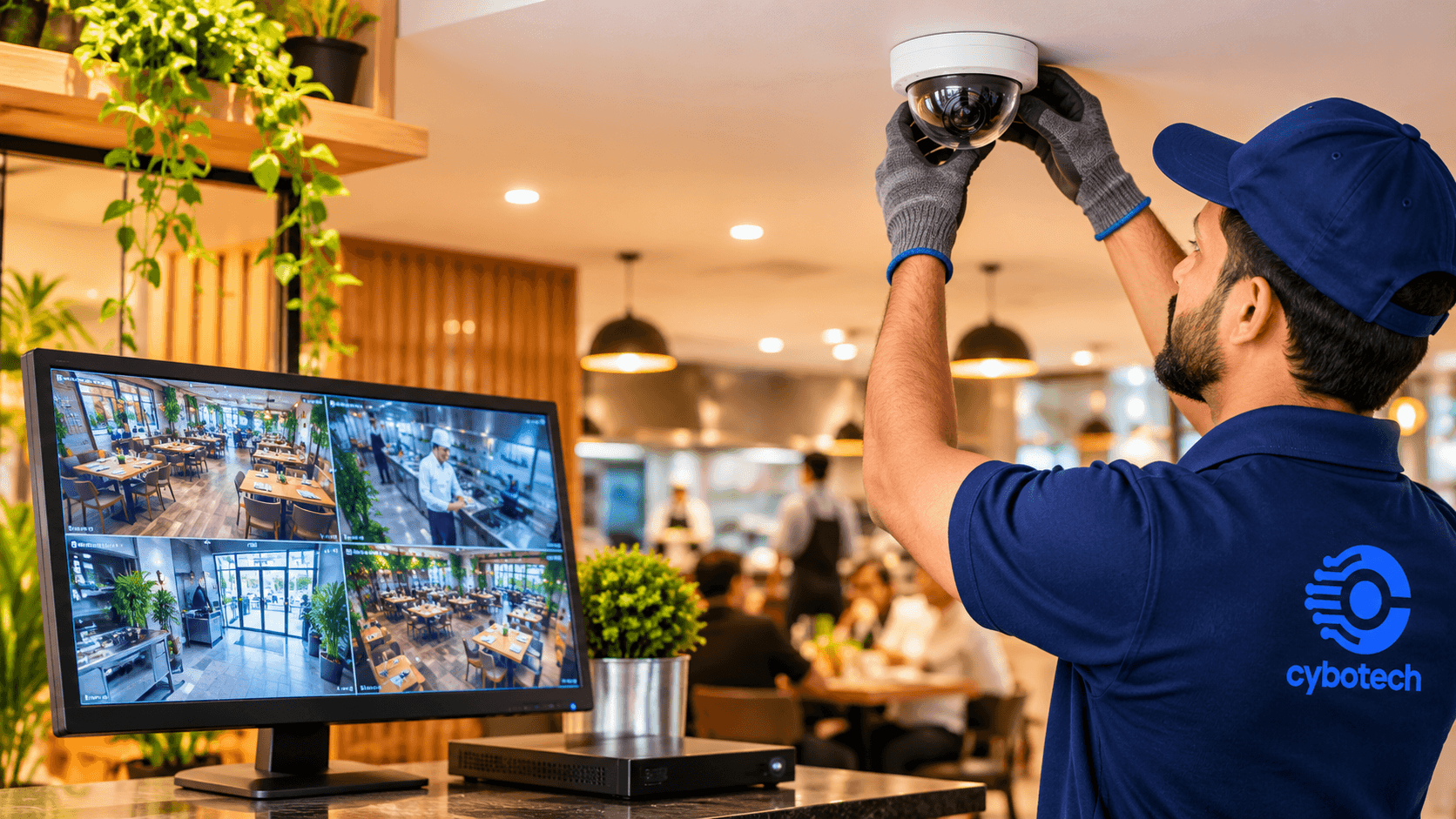
- Dining area: use wide-angle dome cameras for general activity and incidents. Do not point them at guests' tables in a way that feels intrusive.
- Kitchen: cover workflow, safety and hygiene with heat- and moisture-resistant housings, positioned away from direct steam.
- Storeroom and freezer: monitor stock access with cameras rated for low temperatures where needed.
- Back door and deliveries: record who enters and what leaves, using a night-capable camera with good low-light performance.
- Car park and exterior: watch vehicles, vandalism and valet issues with weatherproof cameras suited to dust and heat.
- Office and safe: record access to cash and records with discreet placement and restricted viewing access.
Keep cameras out of restrooms, changing rooms and prayer rooms. Respecting privacy is both a legal and a trust matter.
Step 3: Choose the Right System Components
- Camera type: IP cameras are the standard choice for new restaurant installs. They offer better image quality, easier remote access and flexible expansion. Dome cameras suit indoor areas, bullet cameras suit exteriors, and PTZ cameras suit large patios or car parks.
- Resolution: Choose a resolution that lets you identify faces and read details at the till, not just see that someone was present. Higher resolution needs more storage, so plan the two together.
- Low-light performance: Many restaurants run with dim, atmospheric lighting. Test cameras in real conditions, because a spec sheet cannot tell you how a lens copes with warm, low light.
- Recorder and storage: Calculate storage from the number of cameras, resolution, frame rate and required retention period. Underestimating this is a common cause of footage being overwritten too soon.
- Power and cabling: Power over Ethernet (PoE) simplifies installation and cuts the number of power points. Use a UPS so recording continues through short power cuts.
- Remote access: Owners and multi-branch managers should be able to check live and recorded video securely from a phone, with strong passwords and user permissions.
Step 4: Understand UAE Compliance Before You Install
Rules differ by emirate and business type, so confirm the current requirements with your installer and the relevant authority. In Dubai, CCTV for commercial premises falls under the Security Industry Regulatory Agency (SIRA). Practical points to confirm:
- Use a SIRA-approved installer: Commercial CCTV in Dubai is expected to be installed by an accredited contractor and registered with SIRA.
- Retention: footage is generally required to be kept for a minimum of 31 days. Check whether your premises fall under a longer period.
- Technical specifications: cameras, recorders and remote-monitoring set-up should meet SIRA's published specifications.
- Inspection: the system may need to pass an inspection before it is considered compliant.
Outside Dubai, check the requirements of the local police or security authority for your emirate.
Privacy: The UAE has strict rules on filming people and handling personal data. Post visible CCTV notices, limit who can view or export footage, never place cameras where people expect privacy, and do not share footage on social media. Take legal advice if you are unsure.
Step 5: The Installation Process, Start to Finish
- Site survey and requirement review
- System design: camera schedule, floor plan markup and storage calculation
- Quotation: Itemised equipment, installation, commissioning and warranty
- Cabling and mounting: neat routing, protected conduits and weather sealing
- Configuration: recording schedules, motion settings, user accounts and remote access
- Testing: day and night image checks, playback tests and a power-failure test
- Handover and training: show staff how to view, search and export footage
- Maintenance plan: scheduled checks, firmware updates and lens cleaning
Step 6: What Affects the Cost
There is no honest one-size price. The main factors are:
- Number and type of cameras
- Resolution and storage needed
- Kitchen-grade or outdoor-grade equipment
- Cable length and ceiling or wall type
- Remote monitoring and integrations such as POS, alarms and access control
- Compliance work and inspection
- Ongoing maintenance
7 Common Restaurant CCTV Mistakes
- Pointing cameras at the wrong thing: A wide shot of the till is not the same as seeing the transaction.
- Ignoring low light: Dim dining rooms need cameras chosen for them.
- Putting standard cameras in the kitchen: Heat, grease and moisture shorten their life.
- Too little storage: Footage is overwritten before you need it.
- No UPS: One power dip and the system stops recording.
- Default passwords: An unsecured system is a security risk in itself.
- Never checking the system: A camera that stopped recording weeks ago does not help after an incident. Check it regularly.
Why Work With a Specialist Installer
- Restaurant-specific design: a specialist plans around cash points, kitchens, storerooms and service entrances instead of using a generic camera layout.
- Right equipment for the environment: heat, steam, grease, cold rooms and dim lighting all demand suitable cameras and housings.
- Compliance handled for you: an experienced team knows the licensing, retention and inspection requirements and builds the system to pass first time.
- Accurate storage planning: retention periods are calculated properly, so footage is there when you need it.
- Clean, reliable installation: tidy cabling, protected connections and proper testing mean fewer faults and less downtime.
- Secure remote access: user permissions, strong credentials and safe remote viewing are set up correctly from day one.
- Staff training: your team learns how to search, export and protect footage correctly.
- Ongoing support: regular maintenance, firmware updates and fast fault response keep the system recording.
- Accountability: one team is responsible for design, installation, warranty and aftercare.
Conclusion
A restaurant CCTV system works best when it is designed around your layout, lighting, staff routines and local rules. Start with a proper survey, choose equipment suited to a restaurant environment, confirm compliance, and keep the system maintained.
Planning a restaurant CCTV installation? Book a free site survey with Cybotech and get a tailored plan and quotation.
Related services
Cybotech Security
Security Practice
Our CCTV, access control and network security specialists on keeping premises and data protected.